 Bidò
BidòBidò for Alexa
Ask Alexa which bin to put out. The skill uses your municipality's calendar: either the one you have in the app or the one published by users.
Enable the Bidò skill
Scan the QR code with your phone, or open the skill page on Amazon and tap "Enable".
Open the skill on AmazonWhat you can say
| Phrase | Response |
|---|---|
| «Alexa, apri raccolta rifiuti» ("open waste collection") | the next collection, then it listens for more questions |
| «Alexa, chiedi a raccolta rifiuti cosa passa domani» ("ask waste collection what's collected tomorrow") | tomorrow's waste and the cut-off time |
| «… quando passa la plastica» ("when is plastic collected"; also food waste, general waste…) | the next two dates |
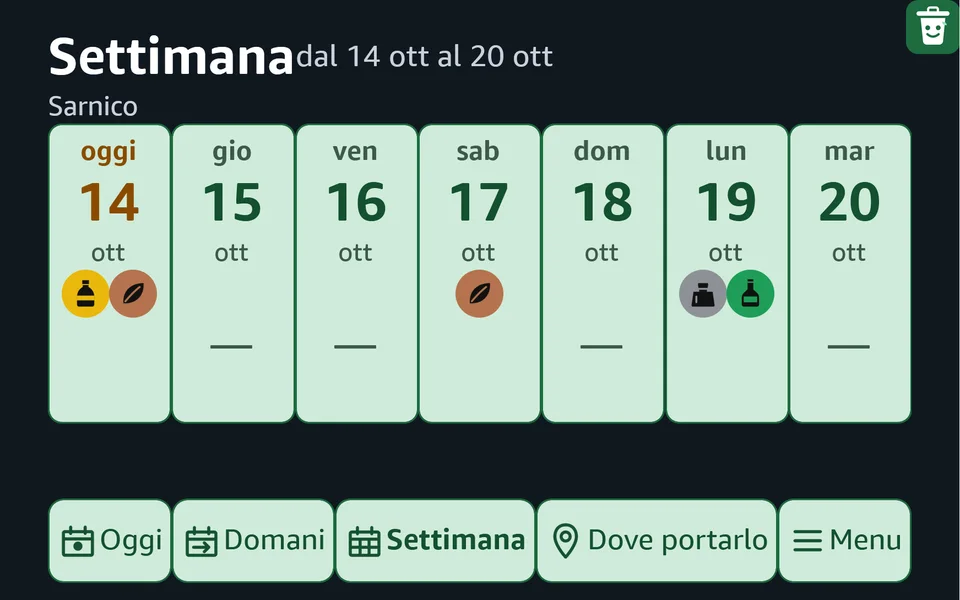
| «… cosa passa questa settimana» ("what's collected this week") | the collections for the next 7 days |
| «… imposta Sarnico» ("set Sarnico") | uses the published calendar for that municipality |
| «… collega il codice 482913» ("link code 482913") | links the calendar from the app |
| «… scollega» ("unlink") | unlinks the calendar, with confirmation |
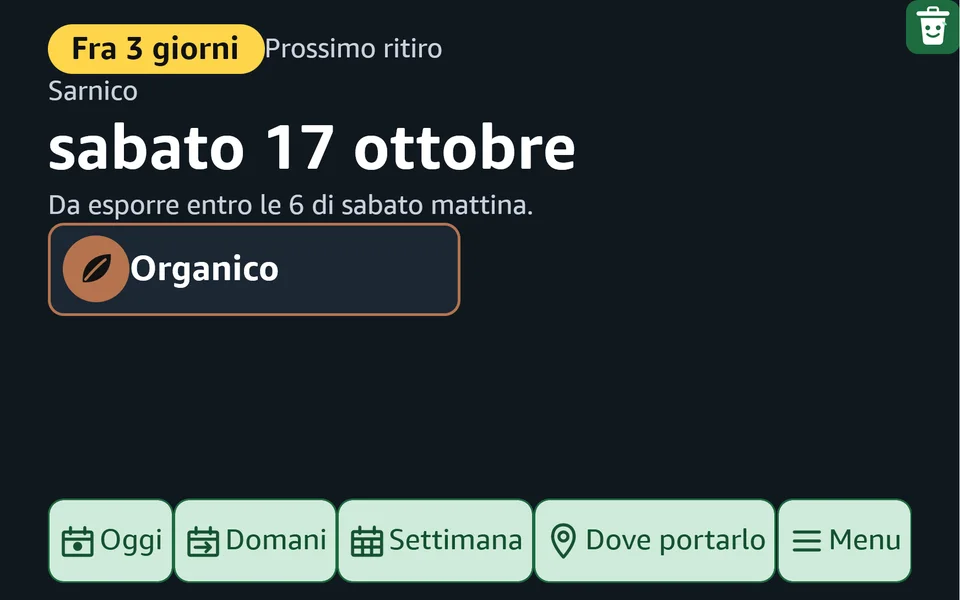
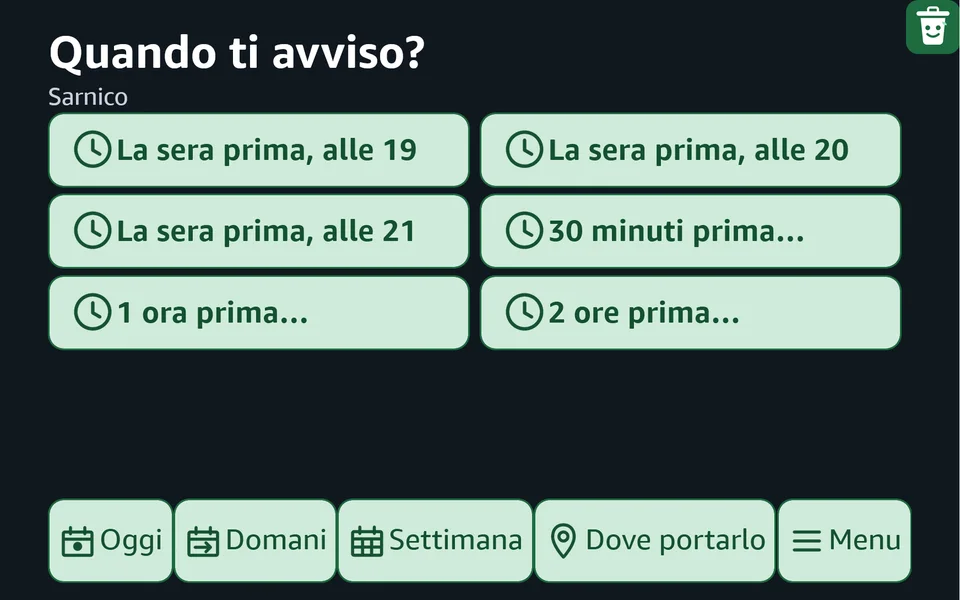
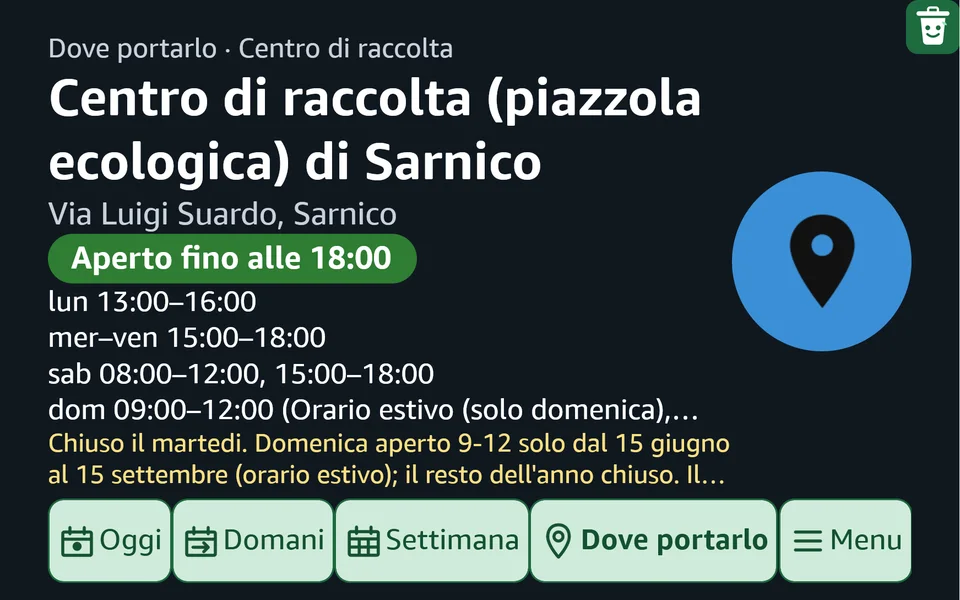
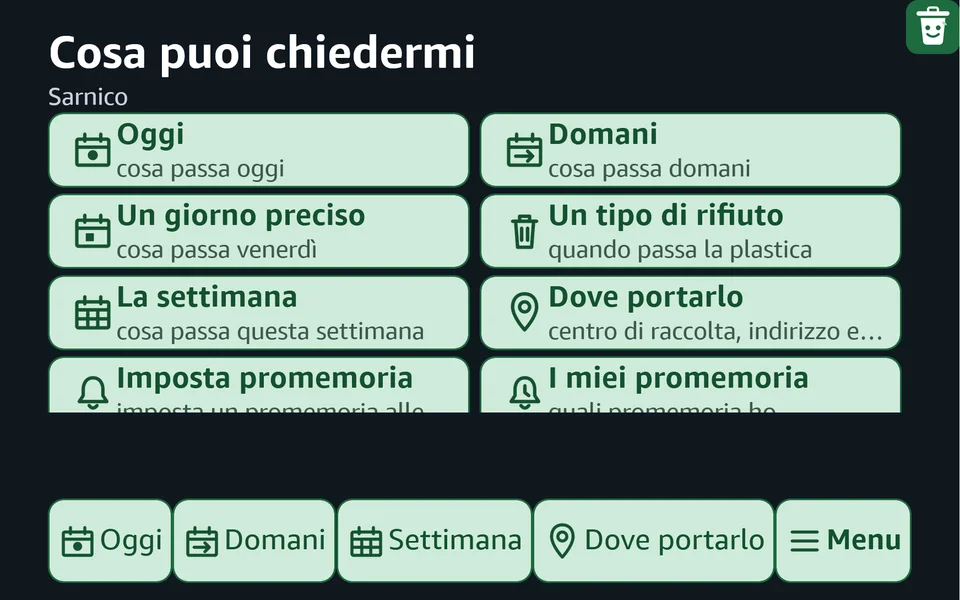
How it looks on Echo screens
How to link it
- Enable the Bidò skill from its Amazon page (or scan the QR code above). Invocation name: raccolta rifiuti.
- In the Bidò app, open Alerts › Alexa › Link to Alexa: you'll see a six-digit code, valid for ten minutes.
- Tell Alexa: «apri raccolta rifiuti», then say the code.
If you change days, zone or the name of the place, the copy for Alexa updates by itself. You can link several places on different devices. On collection morning, if the lorry is running late, Alexa still treats "today" as valid for a few hours after the cut-off time.
Your data
Alexa only stores an anonymous identifier and the calendar you chose. You can unlink at any time and the data is deleted. Privacy policy.
Need the app? The calendar is created and managed from the Bidò app.
Get it on Google Play