 Bidò
BidòThe Bidò app
Your municipality's recycling collection calendar, always in your pocket: you know which bin to put out, by what time, and you are reminded at the right moment. No account and no tracking.
Download the app on your phone
Scan the QR code with your Android phone's camera: the Bidò page on Google Play opens.
Open Google Play
iPhone and iPad: use Bidò without installing anything
Scan the QR code with your camera: the web version of Bidò opens, and you can add it to your Home Screen like an app. There's no need to install anything, and an iPhone app is planned.
Open the web version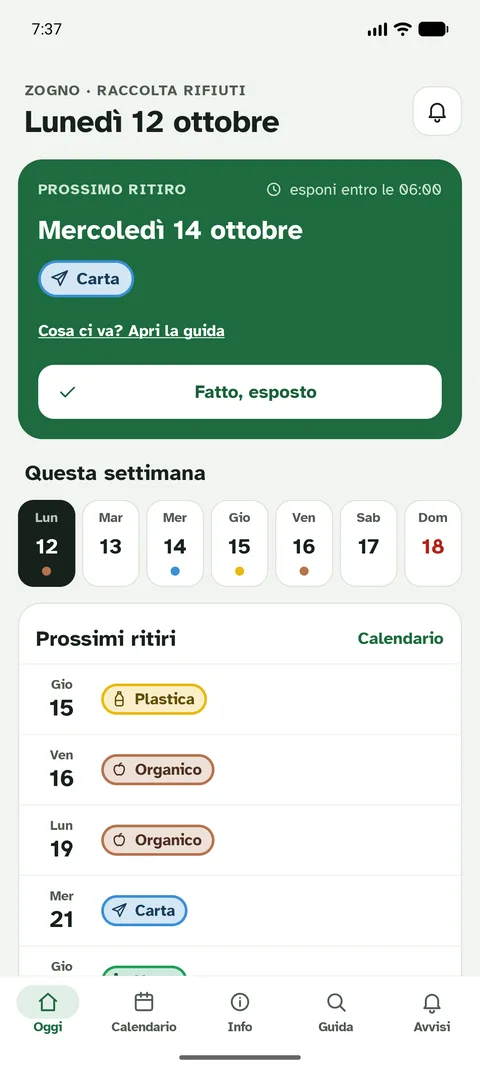
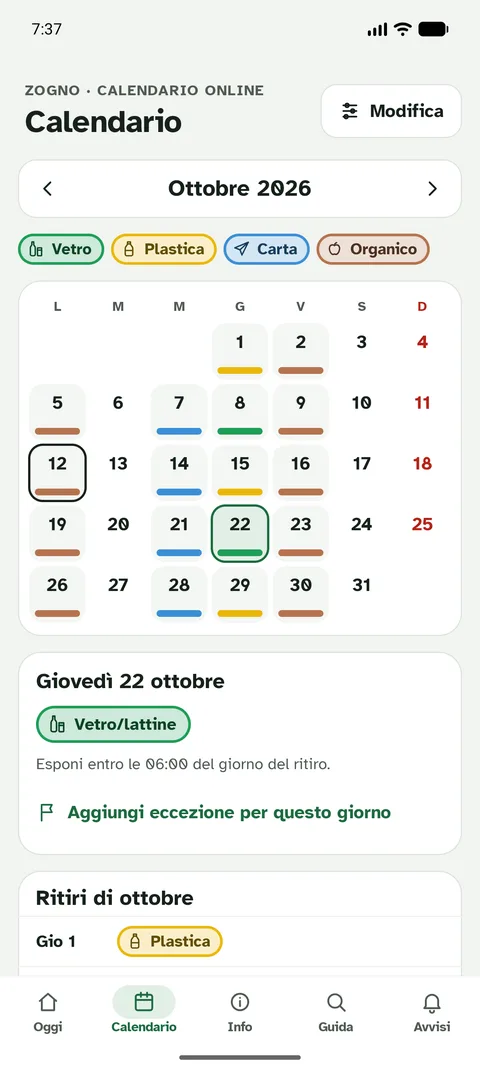
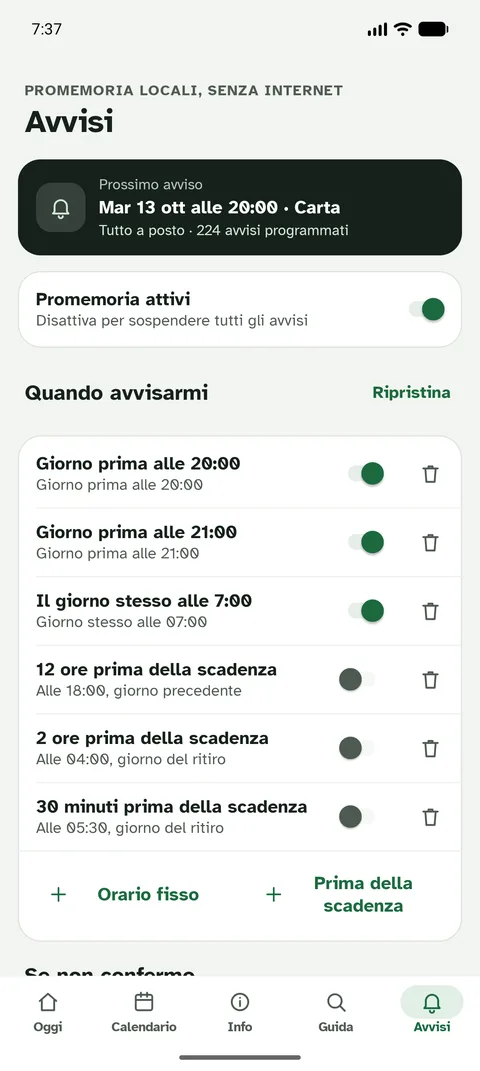
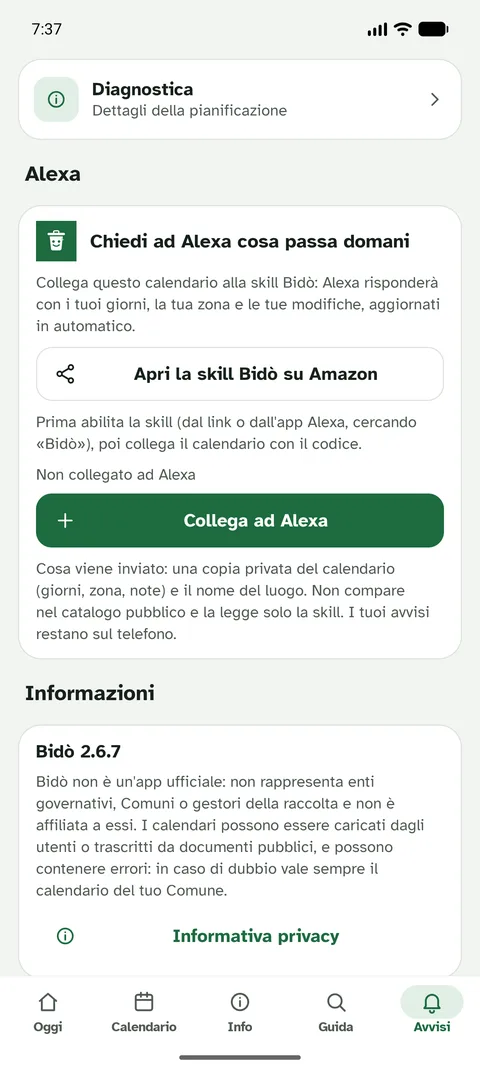
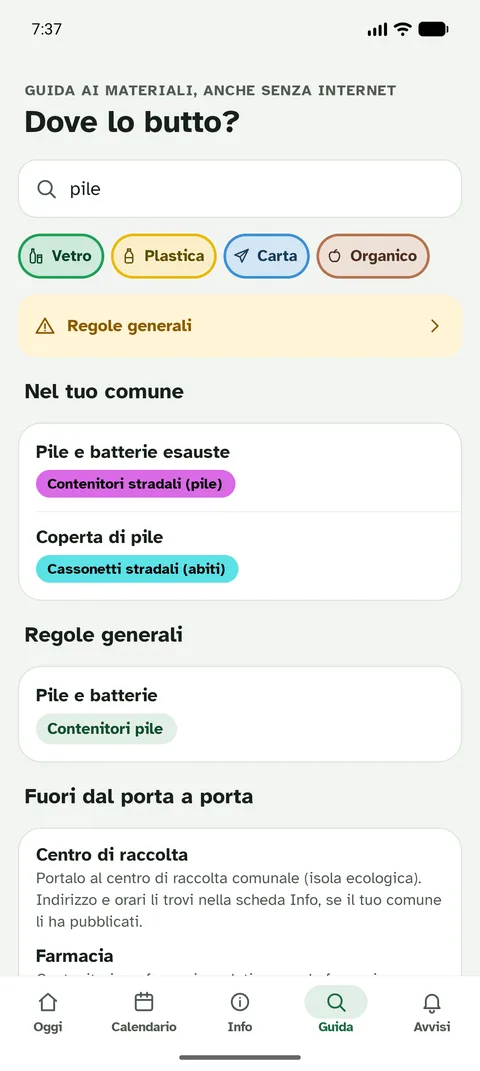
What you can do with the app
Today, tomorrow and the week
Open the app and instantly see the next collection, the waste being collected and the time by which to put it out. The weekly strip shows the collection days at a glance.
Reminders you control
Choose the days, the time and the waste you care about: the notification arrives only for what matters to you. With «Fatto, esposto» («Done, put out») you mark that you have already taken the bin out.
Holidays and schedule changes
The app takes account of holidays, schedule changes and make-up collections in the calendar, and flags collections that fall on a public holiday and should be checked.
Three widgets for your Home screen
Next collection, next three days or the whole week, right on your Home screen: you don't even need to open the app.
More places
Home, seaside home, parents' home: each place has its own municipality and its own collection area.
Where do I throw it?
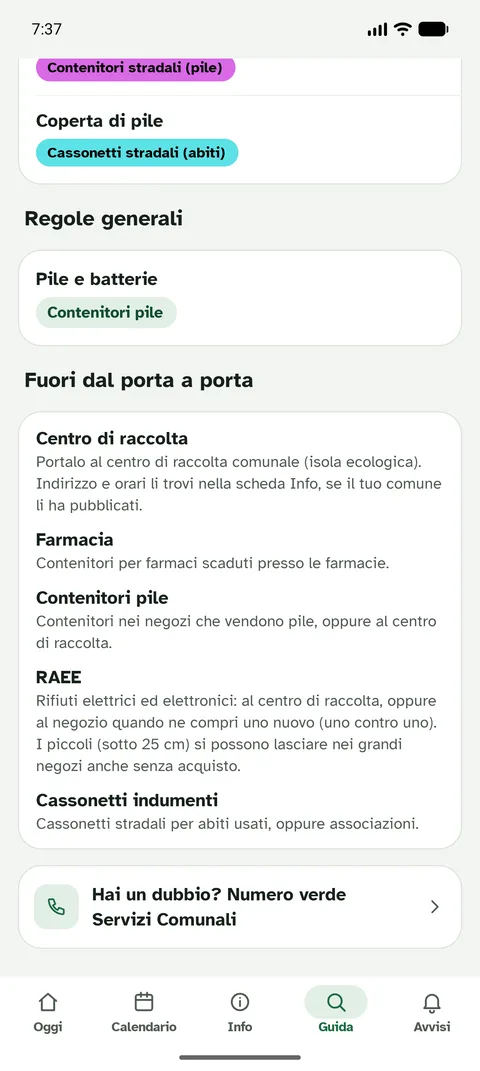
Search for an item and see which bin it goes in, with your municipality's rules where available. Useful for tricky waste.
Outside the door-to-door service
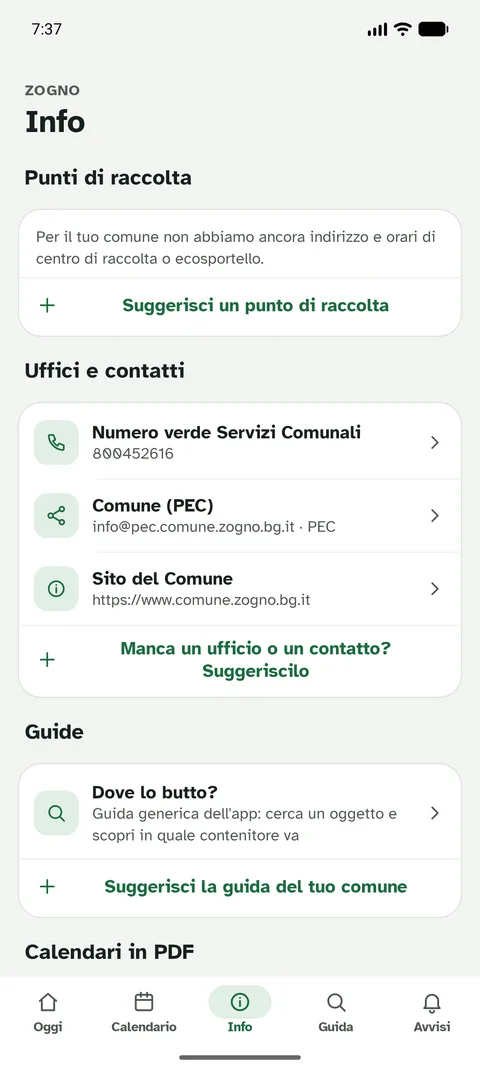
For many municipalities you will find the recycling centre with its address and opening hours (including whether it is open right now) and the eco-desk, where there is one.
Original calendar and guide
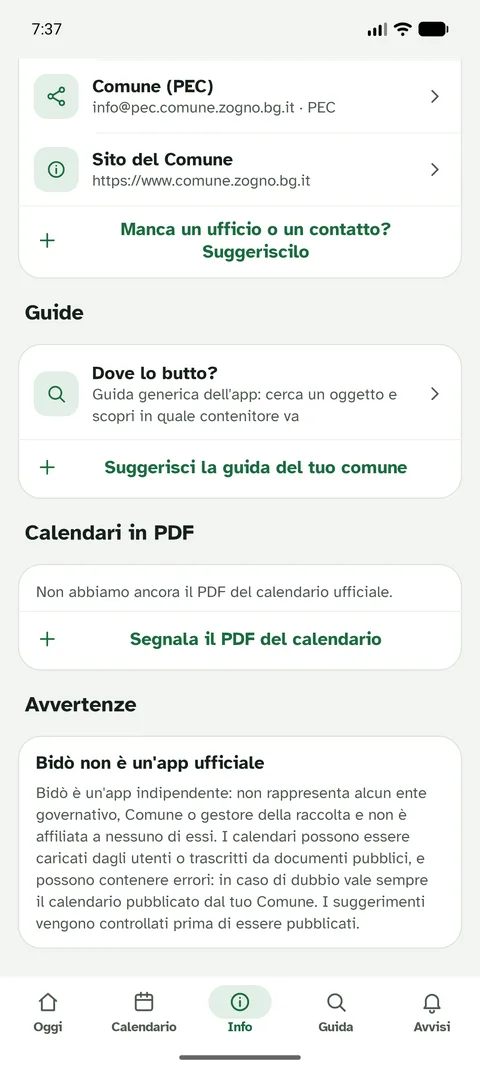
From the calendar you can open the operator's or municipality's PDF and the collection guide, always from the original source.
Alexa
Link the calendar to Alexa with a six-digit code and ask «Alexa, ask raccolta rifiuti what is being collected tomorrow». Changes made in the app reach Alexa on their own. Discover the skill.
Your municipality, even if it isn't there
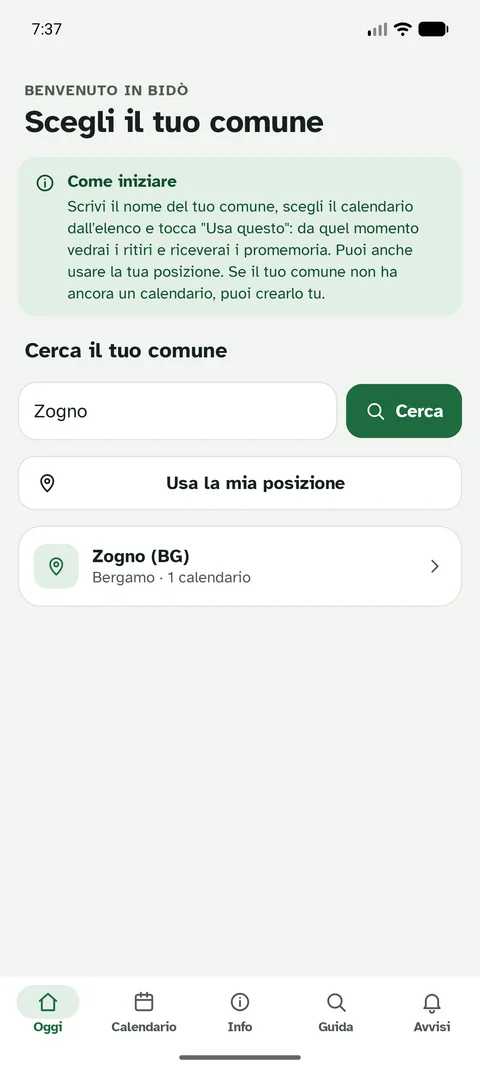
Find it using your location or by name among all Italian municipalities. If it's missing, create it yourself from the app: other users confirm it and wrong calendars are hidden automatically.
Report a problem to your council
Abandoned rubbish, a full or broken bin, illegal dumping: report it with a photo (optional) and the address. The report goes privately to your council, with no name or contact details, and you can read the reply in the app.
Eight languages
Italian, English, German, Romanian, Albanian, Ukrainian, French and Spanish. When you first open it, the app suggests your phone's language, and you can change it whenever you like from Info.
Edit and share
You can correct days and exceptions, share the calendar with a QR code and save a backup of it.
Ready-made calendars
Bidò's catalogue covers over 5,000 Italian municipalities: for most you don't have to enter anything, just choose the municipality and the calendar is already there.
Why use it
You never forget a collection again
The reminder arrives when you decided, with the deadline time: no more bins out on the wrong day.
Everything in one place
Calendar, guide, recycling centre, eco-desk and «where do I throw it» in a single app, instead of hunting for different PDFs on the operator's website.
No account, no tracking
Calendar and reminders stay on your phone. Your location, if you use it, is only used to suggest your municipality and is not sent anywhere. Privacy notice.
From the original source
Calendars come from the public documents of operators and municipalities, which you can open in the original. If something changes, users report it and the error is hidden.
For the whole family
Share the calendar with a QR code, use several places and link Alexa: even those who don't use a phone can ask what is being collected.
On iPhone: install Bidò from the website
Bidò can be added to your phone's Home screen directly from this website, without going through a store: it opens full screen like an app, remembers your municipality and shows the last calendar you viewed even offline. Designed for iPhone and iPad; on Android you will find the real app on Google Play.
Bidò is already installed on this device.
The web version is the screen-based app (Today, Calendar, Info, Guide, Alerts) that opens in the browser and, once added to the Home screen, in full screen. It also has degradation reports with photos, friend invitations and badges, lets you create and publish a calendar, and is available in eight languages.
iPhone and iPad (Safari)
- Open www.bidoapp.it in Safari.
- Tap the Share button (the square with the arrow).
- Choose Add to Home Screen and confirm.
Android (Chrome)
- Open the website in Chrome.
- Tap the ⋮ menu and then Install app (or Add to Home screen).
- Confirm: you will find the Bidò icon among your apps.
From the installed app you can turn on Bidò reminders: the notification the evening before or the morning of the collection (see «Reminders from the website too» below). Alternatively, «Add to calendar» on your municipality's page puts the collections in the Calendar app with its own reminder. The Home screen widgets are in the Android app.
Reminders from the website too
From your municipality's page you can turn on web notifications: you receive on your phone (or computer) a reminder the evening before or the morning of the collection, for example «Tomorrow in Sarnico: Plastic and metals. Put out by 06:00.» They work with Chrome, Edge, Firefox and, on iPhone, with Bidò added to the Home screen (iOS 16.4 or later).
Choose your municipality and turn on reminders
On iPhone and iPad, reminders work from the Home screen. iOS 16.4 or later is required.
- Open this page in Safari and tap Share (the square with the arrow).
- Choose Add to Home Screen and confirm.
- Open Bidò from the icon you just created, go back to this municipality and tap Turn on reminders.
On your Android phone, get the real app: Get it on Google Play
How to get started
- Download the app from Google Play.
- Choose your municipality using your location or by searching for its name, and your area if the municipality has more than one.
- Set up reminders: days, time and waste.
- If you like, add the widget to your Home screen and link Alexa from the Reminders › Alexa section.
Frequently asked questions
Does it work without an account?
Yes. There is no need to register: calendar and reminders stay on your phone.
Is my municipality there?
Search for it from this page: if it has a published calendar you will also find it on the website. If it isn't there, you can create it from the app.
Can I trust the calendars?
Bidò is not an official app of municipalities or operators. Calendars are transcribed from public documents or uploaded by users and may contain errors: if in doubt, the calendar published by your municipality always prevails, and you can open it from the app.
Does it work on iPhone too?
For now the app is available for Android, and an iPhone app is in the works. In the meantime, the web version works on iPhone and iPad with no installation needed (it opens in the browser and you can add it to your Home Screen). From the website you can check your town's collection calendar from any phone, get web notifications (with Bidò added to your Home Screen, iOS 16.4 or later) and use the Alexa skill.
Ready to never pick the wrong bin again?
Get it on Google Play